 comparison
Do Meal Planning Apps Actually Work for Strict Protocols?
Last Updated: October 25, 2026
Quick Summary
The best meal planning apps for tracking and cooking in one place combine plan creation, grocery list generation, and food tracking, but none enforces a strict Phase One allowed-foods list as a hard constraint. KitchenPal gives you the most control because you drive the plan, while Eat This Much gives you the least because its generator decides meals for you.
- Mealime builds a smart grocery list from chosen recipes but is not a food logger.
- Eat This Much automates plans across daily or weekly schedules and includes built-in tracking.
- Prepear offers plan durations of 1, 4, or 12 weeks, matching a fixed-length phase.
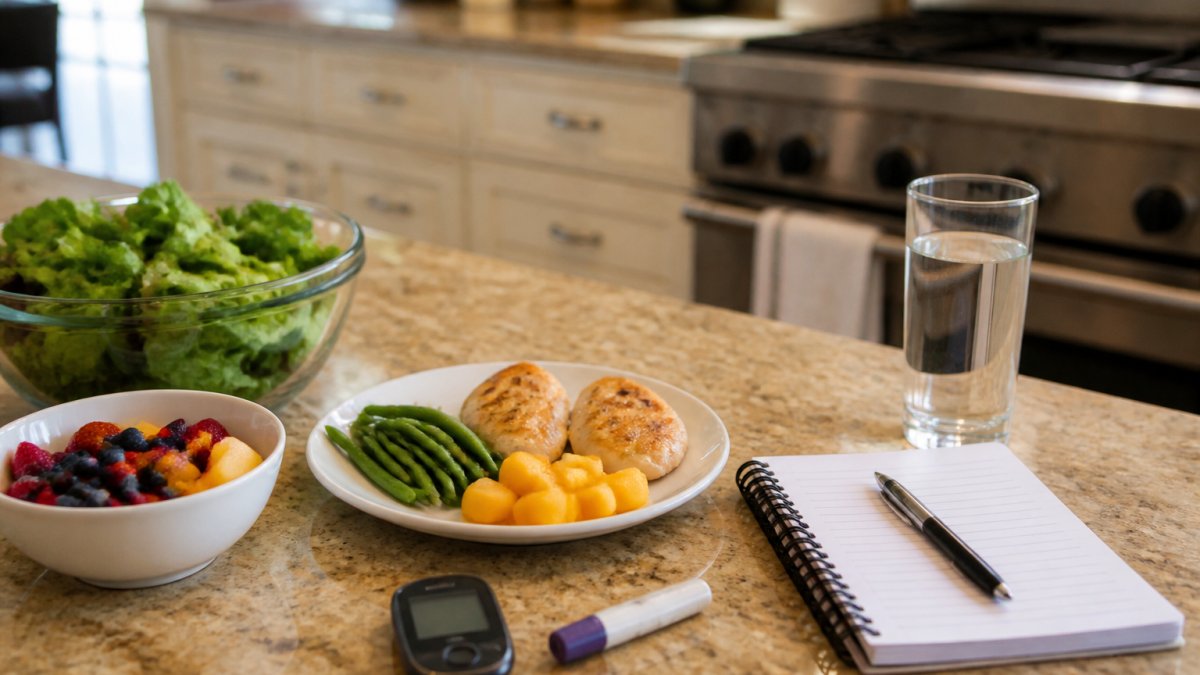
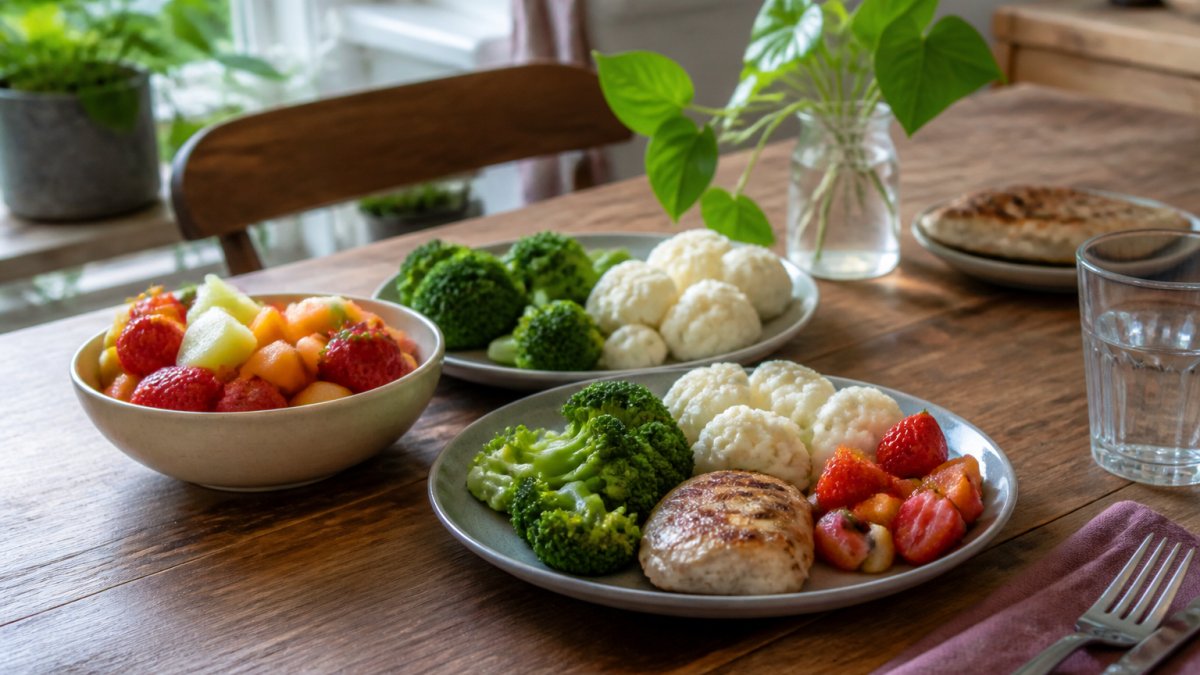
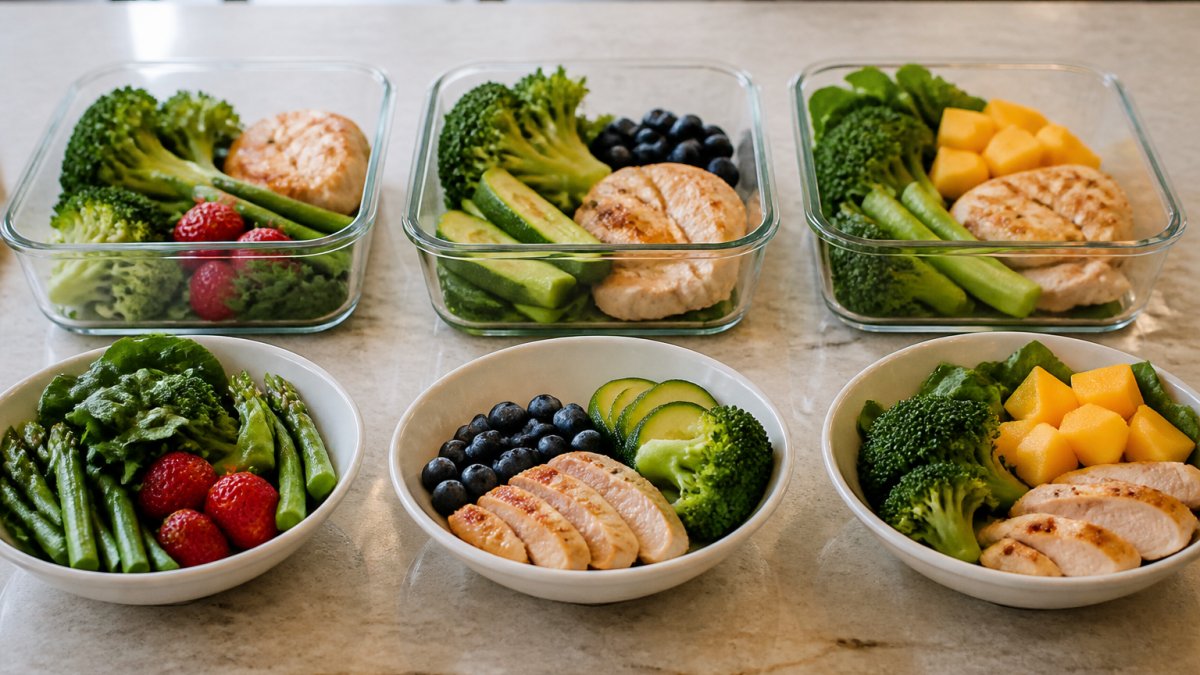
- Phase One runs 40 days with two meals a day built from one protein, one fruit, and three or more vegetables.
- Test a tracker on recipe quantities, nutrition estimates, grocery-list completeness, and substitutions before trusting it.
Table of Contents
- What All-in-One Meal Planning Apps Promise vs. What a Strict Protocol Needs
- The Best Meal Planning Apps for Tracking and Cooking in One Place
- When an Automated Meal Planner Gets in the Way of a Fixed Food List
- Food Tracking Apps: What They Measure and What They Miss
- Does an AI Meal Planner App Adapt to a Hyper-Ketosis Protocol?
- How to Choose a Tool for a Structured Eating Protocol
- Start Your 60-Day Protocol With the Right Tools
- Frequently Asked Questions
What All-in-One Meal Planning Apps Promise vs. What a Strict Protocol Needs
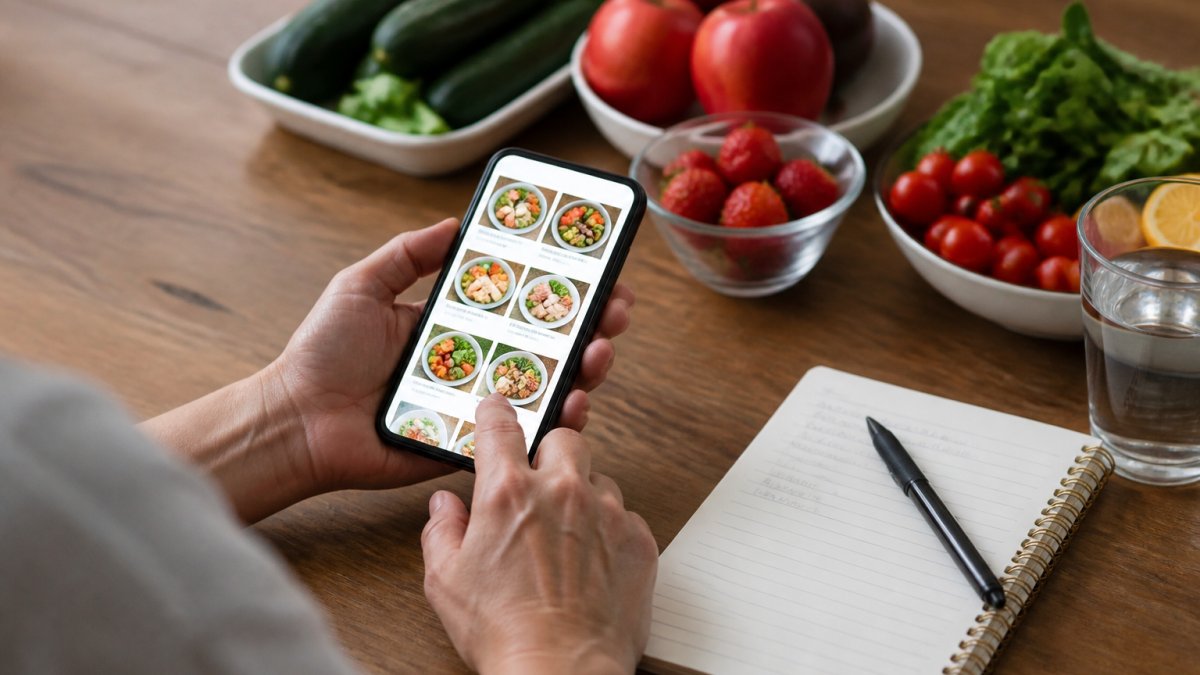
Meal planning apps promise to remove daily food decisions by generating a weekly menu, building a grocery list, and tracking what you eat in one place.
A tool that suggests a recipe outside your allowed foods costs more time than planning manually. Below: four popular apps, where automation conflicts with a fixed list, and how to pick a tool that supports your plan.
The Best Meal Planning Apps for Tracking and Cooking in One Place
Four apps dominate the all-in-one category, and each handles a different part of the workflow. None was built for a hyper-ketosis protocol, so the comparison focuses on what each does well, where it falls short for a fixed food list, and how well it connects planning to shopping to cooking.
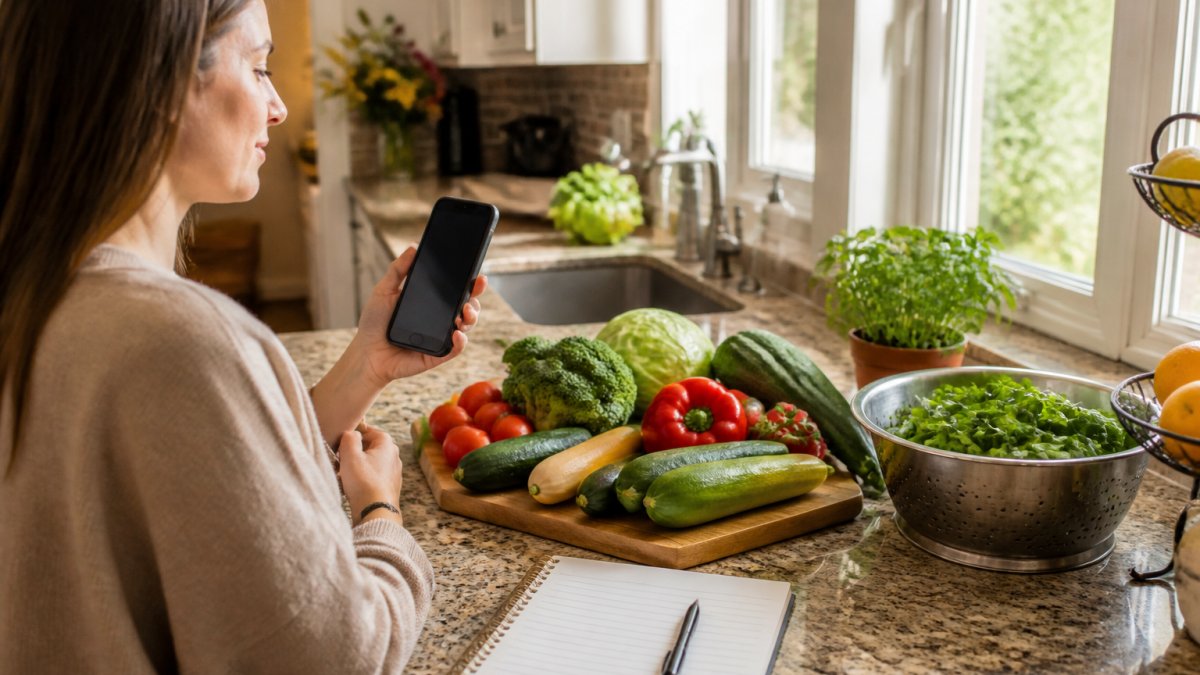
Mealime: Plans and Grocery Lists for Home Cooking
Mealime generates personalized meal plans and a smart grocery list, according to Mealime's official site.
Workflow check: planning to grocery list and grocery list to cooking are strong because recipes are step-by-step; tracking is weak because Mealime is not a food logger.
Automation and control: automation is moderate.
Best for: home cooks who want a weekly menu and a grocery list generated together. Skip if: you need a locked food list with no substitutions.
Eat This Much: Automated Plans Across Daily and Weekly Schedules
Eat This Much automates meal plans across daily or weekly schedules, and it appears in comparisons of meal-tracking apps, including a 2026 app comparison from Eat This Much that notes some trackers log up to 84 nutrients.
Workflow check: planning to grocery list is strong and fully automated; tracking is built in; cooking guidance is secondary.
Automation and control: automation is high. The app decides meals for you, which means more manual correction when a generated meal falls outside your list.
Best for: people who want the app to decide meals for them. Skip if: every meal must come from a fixed list.
KitchenPal: Pantry Tracking Alongside Meal Planning
KitchenPal combines pantry tracking, meal planning, barcode scanning, and expiry alerts.
Workflow check: this is the strongest of the four on the pantry-to-plan-to-list chain because it starts from what you already own.
Automation and control: automation is low-to-moderate. You drive the plan; the app surfaces what you own and what is expiring.
Best for: households managing fridge and pantry contents alongside planning. Skip if: pantry management is not your bottleneck.
Prepear: Built-In Grocery Lists With a Paid Tier
Prepear pairs meal planning with built-in grocery lists and offers plan durations of 1, 4, or 12 weeks.
Workflow check: planning to grocery list is strong, and the multi-week durations map well to a 40-day Phase One block.
Automation and control: automation is moderate. You select recipes and the list builds; you can edit both.
Best for: people who want meal planning and grocery lists in one app. Skip if: you need protocol-specific food filtering.
End-to-End Workflow Comparison
The table below compares the four apps on the same workflow stages to show where each breaks down for a strict protocol.
| Workflow stage | Mealime | Eat This Much | KitchenPal | Prepear |
|---|---|---|---|---|
| Plan creation | Strong | Strong (automated) | Moderate | Strong |
| Custom allowed-foods lock | No | No (targets only) | No | No |
| Grocery list generation | Strong | Strong | Strong (pantry-aware) | Strong |
| Food tracking | Weak | Strong | Moderate | Moderate |
| Cooking guidance | Strong | Moderate | Moderate | Moderate |
| Multi-week plan duration | Limited | Yes | Limited | Yes (1/4/12 weeks) |
| Best fit for Phase One | Partial | Partial | Partial | Partial |
For a broader roundup of tools that combine tracking and cooking, see Best All-in-One Hyper-Ketosis Tracking and Cooking Resources.
When an Automated Meal Planner Gets in the Way of a Fixed Food List
An automated meal planner gets in the way when its recipe engine pulls from a general database instead of your allowed foods. Every suggestion outside your list becomes a manual correction.
The conflict is structural: most apps broaden variety, while a strict protocol narrows it.
Before judging whether any app fits, it helps to understand how a strict Phase One list differs from a standard keto list. Phase One Diet Food List vs Keto Food List: Key Differences breaks down the distinctions.
Food Tracking Apps: What They Measure and What They Miss
Food tracking apps measure calories, macronutrients, and sometimes dozens of micronutrients. What they miss is context: whether a food belongs on your list at all. A tracker will happily log a food that breaks your protocol and report the numbers as if nothing went wrong.
That is the core limitation. If macro accuracy is your priority, How to Track Keto Macros Correctly: A 2026 Guide explains how to log macros so the numbers actually mean something.
What Trackers Measure Well
Most trackers are reliable at the mechanical layer: logging a food, summing calories, and breaking out macronutrients. Many also report micronutrients, the Eat This Much comparison cited above notes trackers that log up to 84 nutrients. For general healthy eating, that coverage is more than enough.
Where Trackers Break Down for a Strict Protocol
The failure is not in the math; it is in the constraint layer. A tracker has no concept of an allowed-foods list unless you build one yourself, and even then it will log a disallowed food without warning. Three gaps matter for a phase-based protocol:
- No allowed-foods enforcement. The tracker logs what you enter. It does not flag a food that is outside your Phase One list, so adherence depends entirely on your own discipline.
- No phase awareness. A hyper-ketosis protocol has three phases with different rules, Phase One is for rapid weight loss and lasts for 40 days with two meals a day, each built from one protein, one fruit, and three or more vegetables, lots of water, no exercising except walking or swimming, no oils, no fats, and no seeds; Phase Two is 20 days of a clean keto diet to lock in weight loss; Phase Three is maintenance. Users follow Phases One and Two until they reach their goal weight, then transition to maintenance. A standard tracker has no concept of phase transitions, so you have to reconfigure it manually at each switch.
- No meal-structure tracking. Phase One fixes the meal count at two per day. Most trackers log meals as they happen but do not enforce or report a fixed meal structure, so adherence to the two-meal pattern is invisible in the data.
Real-World Accuracy: What to Test Before You Trust a Tracker
Accuracy claims are easy to make and hard to verify. Run the same sample day through a tracker and check four things:
- Recipe quantities. Enter a recipe by ingredient and confirm the tracker's portion math matches what you actually cooked.
- Nutrition estimates. Compare the tracker's numbers against the label or a reference database for three or four foods you eat often. Small differences are normal; large ones signal a database problem.
- Grocery-list completeness. If the tracker generates a shopping list, confirm it includes every ingredient in the plan and nothing extra.
- Substitutions. Swap one allowed food for another and check whether the tracker updates the totals correctly and whether the swap stays inside your list.
A tracker that passes all four is mechanically sound. One that also lets you mark foods as allowed or disallowed, and reports adherence to that list, actually supports a strict protocol.
The Adherence Gap Competitors Skip
Most app roundups compare trackers on database size, nutrient coverage, and interface. Those are real factors, but they miss the question that matters for a fixed protocol: does the tracker help you stay on the list, or just record what you did? For Phase One, the useful tracker makes a disallowed food visible before you eat it, not after. Until an app enforces an allowed-foods list as a hard constraint, the tracker is a record, not a guardrail, and the guardrail is what a 40-day phase needs.
Does an AI Meal Planner App Adapt to a Hyper-Ketosis Protocol?
An AI meal planner app adapts to a hyper-ketosis protocol only if it accepts a custom food list and treats it as a hard constraint.
Researchers have designed AI-powered meal planners that personalize plans around health conditions, preferences, and status, as described in a 2023 pilot study on personalized meal planning.
The practical test: can you enter your Phase One foods and have the app refuse to suggest anything else?
How to Choose a Tool for a Structured Eating Protocol
Choose a tool by testing it against your food list, not its feature count. This checklist separates tools that support a strict protocol from tools that fight it.
- Can you enter a custom allowed-foods list and lock it?
- Does the app refuse to suggest foods outside that list?
- Can you set a fixed meal structure, such as two meals a day?
If you are weighing an app against a printable planner, Low-Carb Meal Planning: App vs Printable for Beginners compares the two directly. For many people on a fixed protocol, a printable list plus a simple tracker beats a feature-rich app that needs constant correction.
Start Your 60-Day Protocol With the Right Tools
The right tools make a strict protocol easier to follow, not harder.
The ebook, planner, cookbook combo puts the food list, the plan, and the tracking in one place, so there is no app to correct and no recipe to reject. If you are ready to start, 60-Day Keto Weight Loss Plan: A Structured Guide walks through the full structure.
Frequently Asked Questions
Can meal planning apps track food and organize recipes in one place?
Some do. Mealime combines personalized plans with smart grocery lists, and KitchenPal adds pantry tracking with barcode scanning and expiry alerts. Eat This Much automates daily or weekly plans, and Prepear pairs meal planning with built-in grocery lists. What most apps do not do is enforce a fixed food list. For a protocol with a strict phase-one list, check whether the app lets you lock ingredients rather than generate open-ended suggestions.
Can an automated meal planner accommodate a strict food list?
Only if it lets you restrict ingredients rather than just set preferences. Most automated meal planners generate variety, which works against a protocol that allows one protein, one fruit, and three or more vegetables per meal. Look for tools that let you exclude foods permanently, repeat meals without penalty, and build a shopping list from a set rotation. A planner that keeps suggesting new recipes adds decisions you do not need during a fixed phase.
What features should I look for in a meal planning and food tracking app?
Prioritize four things: a food list you can lock, a grocery list that generates from your plan, a recipe library you can narrow to allowed ingredients, and tracking that matches what you actually count. If your protocol counts meals and food groups rather than macros, detailed nutrient tracking adds work without changing your decisions. Ease of use matters more than feature count, because a tool you stop opening has no value.
How do I choose a meal planning app for a structured eating protocol?
Match the tool to the protocol, not the other way around. Write down what your plan fixes (meal count, allowed foods, phase length) and test whether the app can hold those constraints without daily editing. Apps built for general home cooking, like Mealime or Prepear, suit phase two and maintenance better than a strict phase one. For phase one, a fixed plan with a printed food list usually beats an app that generates suggestions.
The hardest part of any strict protocol is consistency, and generic meal planning apps are built for flexibility, not consistency. Hyper-Ketosis 101 offers a structured alternative: phase-based guides, 60-day bundle options, and planning and tracking tools that follow the protocol step by step. Get started with Hyper-Ketosis 101 and follow a plan built for the protocol instead of one you have to correct every day.