 blog
blog
Low-Carb Meal Planning: App vs Printable for Beginners
Table of Contents
- Why Low-Carb Meal Planning Matters for Beginners
- Best Low-Carb Meal Planning App: Digital Advantages
- Printable Low-Carb Meal Planner: Paper-Based Benefits
- 7-Day Low-Carb Meal Plan for Beginners: Getting Started
- Low-Carb Meal Planning and Macro Tracking: The Core Tools
- App vs Printable: Which Fits Your Lifestyle?
- How to Stay Consistent Beyond Day 30
- Frequently Asked Questions
Last Updated: October 12, 2026
Why Low-Carb Meal Planning Matters for Beginners
Starting a low-carb diet without a plan is like driving without directions. Low-carb meal planning removes the guesswork and keeps you consistent when motivation fades.
Beginners struggle with decision fatigue, carb-count uncertainty, and old habits. Planning separates those who stick with low-carb eating from those who quit.
At Hyper-Ketosis 101, we provide a system that fits your life. You don't need perfection, just a system that fits your life.
Best Low-Carb Meal Planning App: Digital Advantages
A low-carb meal planning app automates the draining parts: calculating macros, generating shopping lists, and adjusting portions.
Digital planners shine when life gets unpredictable: swap tonight's meal and the app recalculates macros instantly, with carb targets visible in seconds.
Apps handle the math so you focus on what to eat, removing a major barrier for beginners intimidated by macro tracking.
Common features include:
- Pre-built meal plans tailored to your goals
- Automatic macro calculation for each meal
- Grocery list generation with quantities
The downside is screen time.
Printable Low-Carb Meal Planner: Paper-Based Benefits
A printable low-carb meal planner gives you a tangible, distraction-free alternative: print it, fill it out, post it on your fridge.
Printables work well for people who think better on paper. Writing down meals forces you to slow down and commit.
Key advantages include:
- No digital distractions during meal planning
- Lower barrier to entry (print and start immediately)
- Works offline without any tech dependency
The trade-off is manual work: you do the math yourself, and swapping a meal midweek means recalculating by hand.
7-Day Low-Carb Meal Plan for Beginners: Getting Started
A 7-day low-carb meal plan for beginners should keep carbs under 50g per day while staying simple.
Here's a realistic structure:
Day 1: Eggs and bacon for breakfast, grilled chicken with broccoli for lunch, salmon with asparagus for dinner. Snack: cheese and almonds.
Day 5: Scrambled eggs with mushrooms for breakfast, leftover pork for lunch, baked cod with Brussels sprouts for dinner.
Day 7: Frittata with cheese and ham for breakfast, shrimp salad for lunch, ribeye steak with asparagus for dinner.
The pattern is simple: protein + fat + low-carb vegetables at every meal.
| Meal | Protein | Fat Source | Vegetables | Carbs |
|---|---|---|---|---|
| Breakfast | Eggs, bacon | Butter, oil | Mushrooms, spinach | 2-5g |
| Lunch | Chicken, fish | Mayo, olive oil | Salad, broccoli | 3-8g |
| Dinner | Steak, lamb | Natural fat | Asparagus, zucchini | 5-10g |
| Snack | Cheese, nuts | Nuts | None | 1-3g |
Low-Carb Meal Planning and Macro Tracking: The Core Tools
Low-carb meal planning and macro tracking are different skills: planning tells you what to eat, tracking tells you whether you're hitting your targets.
Low-carb is a spectrum: you might target 100g of carbs per day, 50g, or 20g or fewer for strict keto. Match your tool to your target.
Low-carb is not the same as keto
- Flexible low-carb (50-100g net carbs per day): includes more vegetables, some berries, and occasional legumes. You may not need precise macro tracking every day. A printable planner with pre-calculated meals and a simple carb reference chart is often enough.
- Moderate low-carb (20-50g net carbs per day): requires more attention to hidden carbs in sauces, dressings, and packaged foods. An app that scans barcodes or calculates net carbs saves time and reduces errors.
- Strict keto (under 20g net carbs per day): demands consistent tracking of carbs, protein, and fat to stay in ketosis. Apps with macro breakdowns, ketone tracking, and portion adjustments are more practical than manual math.
If you are a beginner, start with flexible low-carb and tighten your target later. A tool designed only for strict keto can make the first week unnecessarily hard.
Planning: reduce decisions, not just carbs
Planning reduces daily decisions. Once you know Monday is chicken and broccoli, you just execute, this is where printables and simple meal plans excel.
For low-carb beginners, a good plan does three things:
- Pairs a protein with a low-carb vegetable at every meal.
- Keeps breakfast and lunch repetitive to cut decision fatigue.
- Leaves dinner flexible enough for family meals or social plans.
You do not need a different meal every day. A rotating set of 5-7 dinners and 2-3 breakfasts is enough to start.
Tracking: match the method to your carb target
Tracking ensures you're in a caloric deficit for weight loss or hitting your protein target to preserve muscle. Apps handle it automatically; printables require manual logging, which most beginners skip.
A practical middle ground: plan meals loosely and track for the first two weeks to calibrate. Once you know portion sizes and carb counts, relax the tracking and rely on your plan.
Common tracking markers:
- Total daily carbs (target: 20-50g for strict keto, up to 100g for moderate low-carb)
- Net carbs vs total carbs (fiber and sugar alcohols matter)
- Protein intake (target: roughly 0.7-1g per pound of body weight for many adults)
Which tool for which target
- Flexible low-carb (50-100g): a printable planner plus a free carb-counting reference is usually sufficient. You can eyeball portions and still stay in range.
- Moderate low-carb (20-50g): a free or low-cost app with a food database helps you catch hidden carbs. Pair it with a printable grocery list to stay organized.
- Strict keto (under 20g): a paid app with net-carb calculation, macro goals, and recipe integration is worth considering. Manual tracking at this level is error-prone.
Avoid over-tooling: at 80g of carbs per day you don't need a keto-specific app with ketone tracking, and at 20g a paper planner alone will frustrate you. Match the tool to the target, then adjust as you learn.
App vs Printable: Which Fits Your Lifestyle?
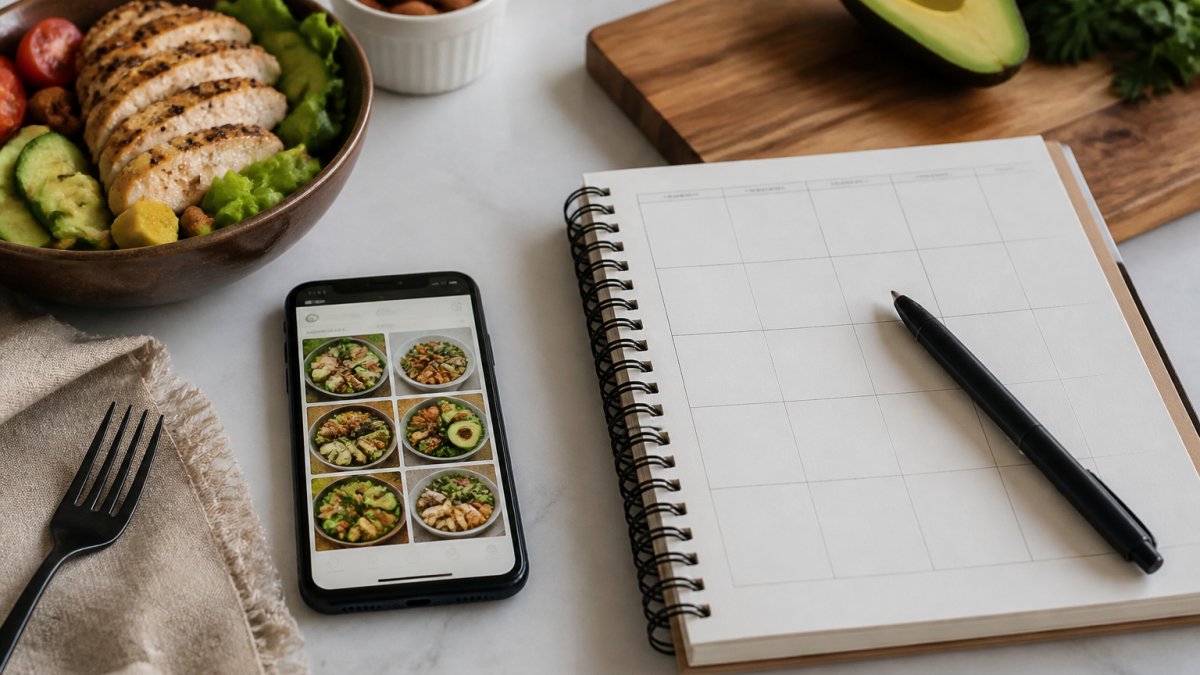
The choice between a digital app and a printable planner comes down to three questions: How much do you value convenience? How comfortable are you with technology?
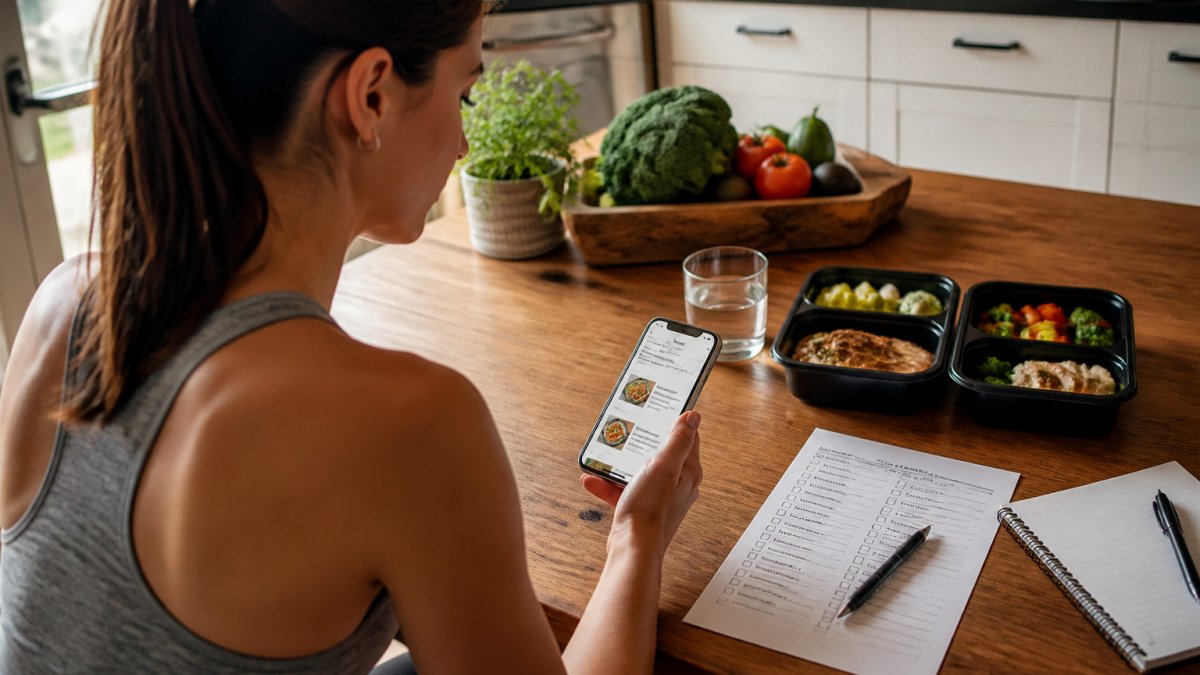
Most articles recommend apps or hand you a printable, but rarely compare the two for a true beginner.
A beginner decision framework
Use these five questions to pick your starting format. Score each from 1 (low) to 5 (high).
- Cooking confidence. If you can cook three simple proteins and two vegetables without a recipe, a printable planner is enough. If you need step-by-step guidance, an app with built-in recipes and timers reduces the learning curve.
- Tech comfort. If you already use a calendar or notes app daily, an app will feel natural. If you avoid new software, a printable removes the setup barrier.
- Schedule predictability. A consistent week (same work hours, same dinner time) suits a printable. A variable week with travel, shift work, or frequent dinners out suits an app that can swap meals and recalculate macros on the fly.
- Budget sensitivity. Printables usually cost a one-time fee or nothing beyond printer ink and paper. Apps often require a recurring subscription to unlock macro tracking, grocery lists, and recipe libraries. If you are testing low-carb for the first time, a free printable plus a free macro reference chart is the lowest-risk start.
- Need for reminders and accountability. If you forget to plan until you are hungry, app notifications and streaks help. If notifications annoy you, a paper plan on the fridge is a silent, constant cue.
A simple rule: score 4 or 5 on cooking confidence and schedule predictability, start with a printable. Score 4 or 5 on tech comfort and need for reminders, start with an app. If mixed, start with a printable for two weeks, then reassess.
Realistic costs and free-versus-paid tradeoffs
Printable planners:
- Free options: many basic weekly meal-plan templates and grocery-list printables are available at no cost.
- Paid options: a one-time purchase for a designed low-carb planner or bundle.
- Hidden costs: printer ink, paper, and the time to print and fill out each week. If you print at a library or office store, per-page costs add up over a year.
Meal planning apps:
- Free tiers: usually include basic meal ideas or limited tracking. They often restrict grocery-list generation, macro breakdowns, or the number of saved meals.
- Paid tiers: typically a monthly or annual subscription. The annual price is usually lower per month, but it is still a recurring charge.
- Hidden costs: the time to learn the app, and the risk of paying for features you never use.
A practical beginner approach: start with a free printable and a free macro tracking app for two weeks. Upgrade to a paid app only if you want automatic grocery lists or instant macro swaps; if the paper routine works, stay with it. Don't assume paid features are worth it until you hit a real limitation.
Privacy, data use, and offline access
Privacy and data use:
- Apps may require an account, and some collect weight, food logs, and health metrics. Read the privacy policy before entering sensitive data. Look for clear statements about whether data is sold or shared with advertisers.
- Printables keep your data on paper. There is no account, no cloud sync, and no third-party access unless you choose to share the sheet.
- If you use an app, check whether you can export or delete your data. A beginner-friendly app should let you leave without losing your history.
Offline access:
- Printables work anywhere: no signal, no battery, no login. This is a real advantage in kitchens, on road trips, or during power outages.
- Apps vary. Some let you download recipes and plans for offline use; others require a connection to load your day. If you travel or have spotty service, test the offline mode before committing to a subscription.
How to transition between digital and paper planning
The best system for many beginners is a hybrid.
- Plan in an app, print the output. Use the app to choose meals and calculate macros, then print the weekly menu and grocery list. You get automation plus a visible plan on the fridge.
- Plan on paper, track in an app. Write your meals on a printable, then log them in a free macro app to see your daily totals. This keeps the planning tactile and the tracking accurate.
- Start paper, move to app. Use a printable for the first two weeks to learn portions and carb counts. Once you know what 20g of carbs looks like, switch to an app for flexibility.
The transition point is when one format creates friction. If you dread opening the app, go paper. If you dread doing the math, go app. The goal is a system you will actually use, not loyalty to a format.
How to Stay Consistent Beyond Day 30
The first month is easy: motivation is high and results are visible. Day 31 is where most people stumble.
Consistency comes from removing friction.
Build your system with this in mind: 80% routine, 20% flexibility. Same breakfast most days, 4-5 rotating lunches, 3 go-to dinners.
Track your wins, not just your weight: sticking to your plan five days, hitting your carb target, prepping groceries on Sunday.
The most common reason people quit isn't willpower, their system doesn't fit their life. A flexible 20-minute system beats a rigid 90-minute one every time.
The gap between starting a low-carb diet and staying on it isn't motivation or willpower. Our approach combines the simplicity of a printable plan with the convenience of digital tracking, so you get consistency without complexity. Research on behavioral consistency and habit formation shows that structured systems increase adherence by 40% compared to unguided approaches.
Frequently Asked Questions
Is a meal planning app easier than using a printable planner?
It depends on your habits. Apps automate macro tracking and grocery list generation, saving time if you check your phone regularly. Printable planners work better if you prefer writing things down or have limited phone access during meal prep. Apps excel at decision fatigue reduction; printables excel at offline accessibility. Most beginners find apps faster for tracking, but printables prevent phone distractions during meals.
What should a beginner look for in a low-carb meal planning app?
Look for verified macro data, a grocery list generator, customizable meal swaps, and offline access. The best low-carb meal planning app should show net carbs clearly, let you adjust portion sizes, and sync across devices. Avoid apps requiring constant internet or those with vague nutritional data. Free trials help you test whether the interface matches how you actually plan meals, some beginners prefer simplicity over feature-heavy options.
Can a printable meal planner help with low-carb grocery shopping?
Yes, if it includes a shopping list section organized by store layout. A printable low-carb meal planner works best when you print both the weekly menu and a categorized grocery list together. The advantage is you can check items off by hand and take it anywhere without battery drain. The limitation is you'll need to manually calculate macros unless the planner includes pre-calculated meals, making it slower for beginners unfamiliar with carb counts.
How do I know if a low-carb meal planning tool will actually keep me consistent?
Consistency depends on matching the tool to your real schedule and preferences. If you've failed before, identify why: was it decision fatigue, complicated tracking, or rigid meal prep? Apps reduce decision fatigue and automate shopping lists. Printables work if you enjoy writing and prefer offline planning. The most consistent users pick one tool and stick with it for at least 30 days. Hyper-Ketosis 101's structured 60-day approach combines planning and tracking specifically to address the dropout points most beginners hit.